
Transparent Grid PNG
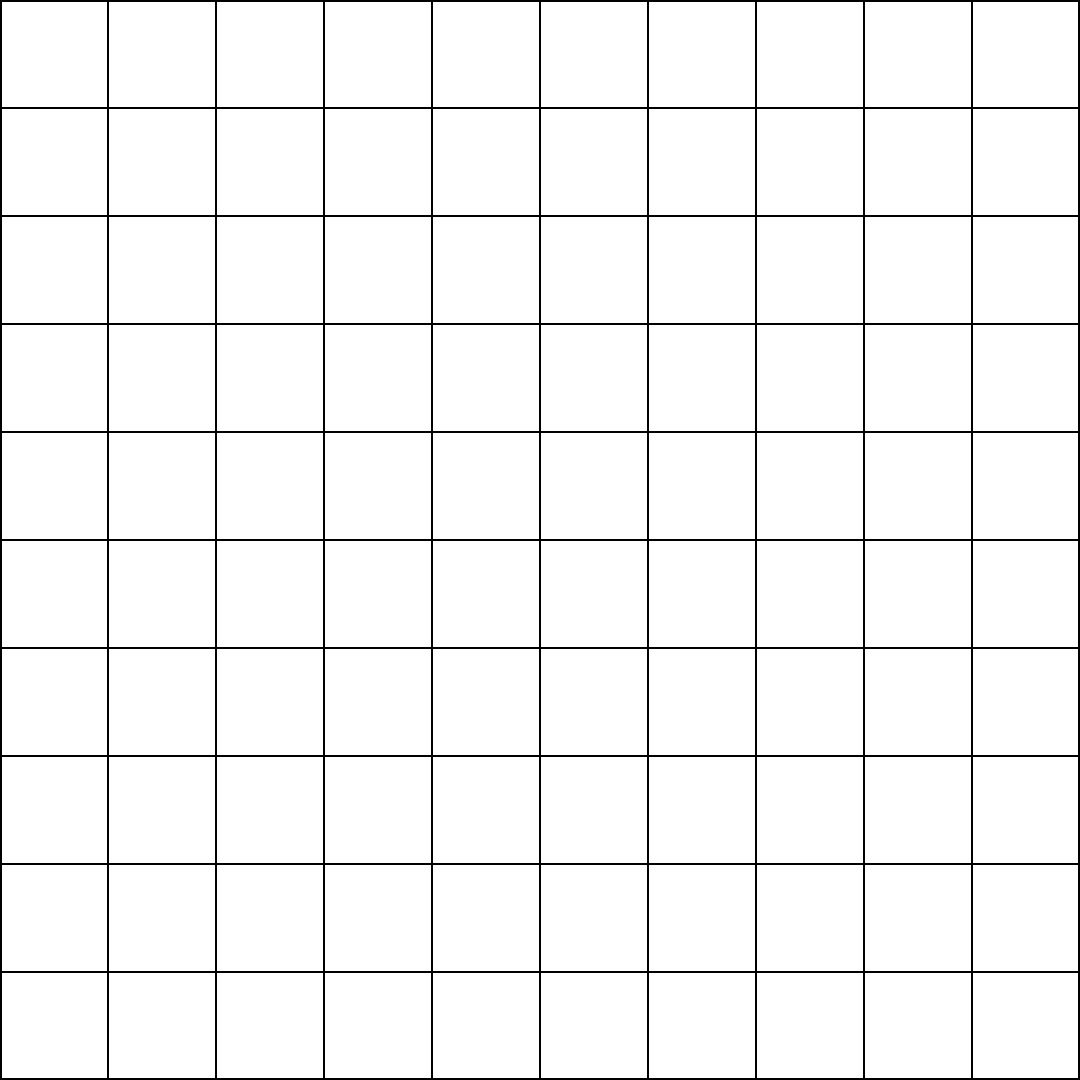
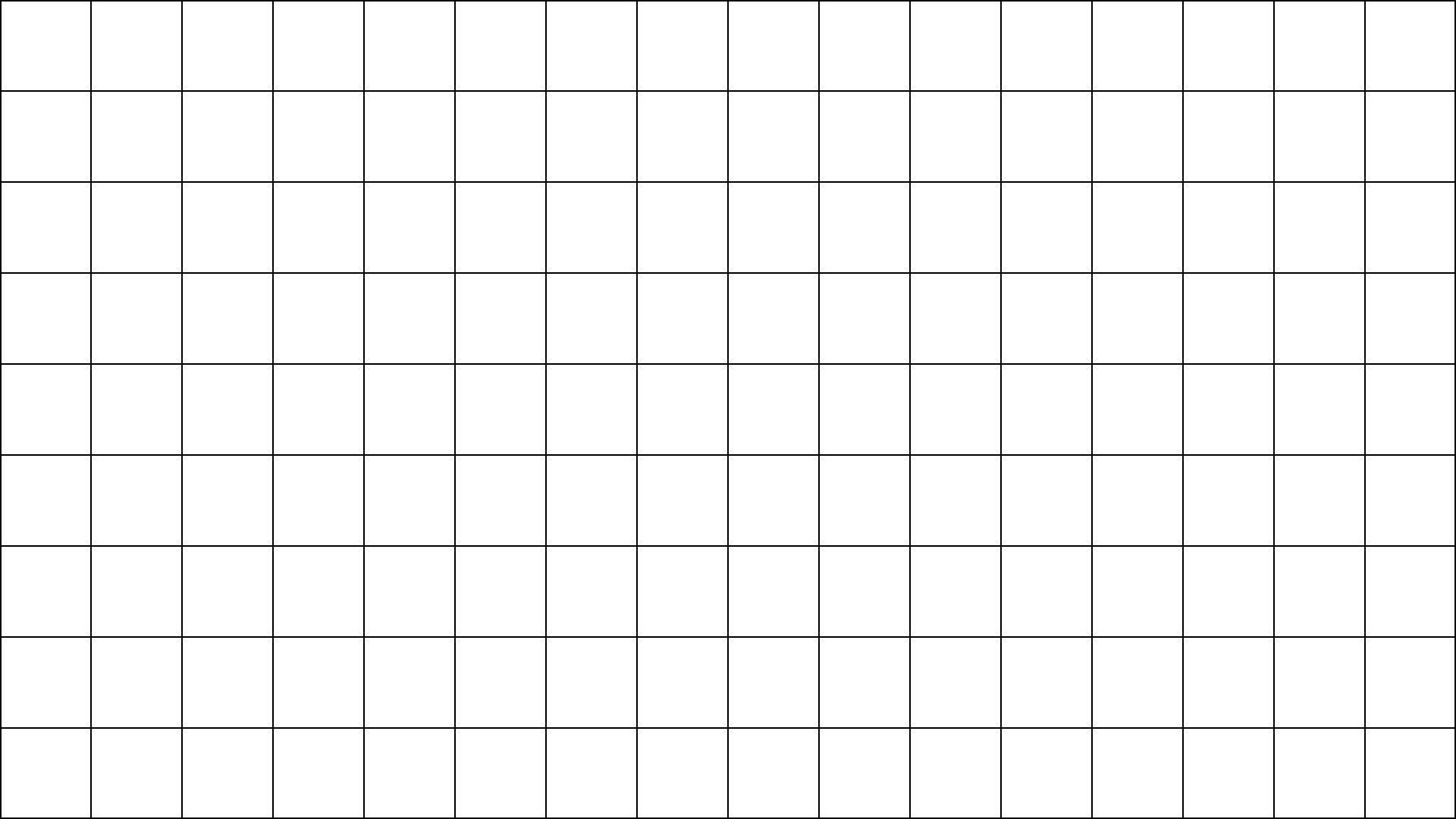
Free grid overlays with a transparent background, ready to drop on top of any photo, painting or design. Pick a size below or generate your own PNG or SVG grid.
Download a free transparent grid PNG
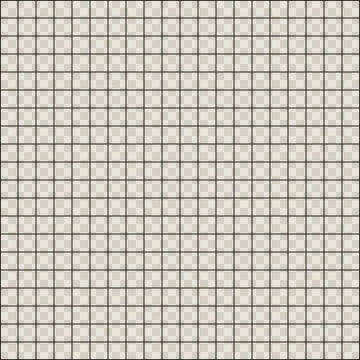
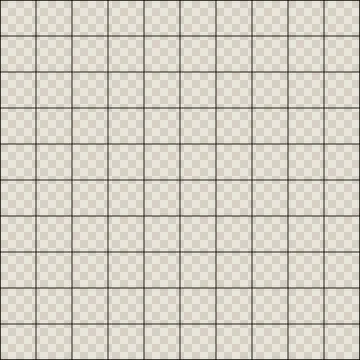


Transparent grid generator
Need a different size? Set the canvas, the square size and the line style. The preview shows the transparent areas as a checkerboard.
How to use a transparent grid overlay
A grid with a transparent background is the most flexible kind of grid: it is not tied to one picture, so you can reuse it across a whole project and switch it on or off as a layer. Artists use it to square up a reference in Procreate or Krita, designers use it to check alignment in Canva or Photoshop, and teachers project it over a picture on the whiteboard.
- Download the PNG closest to your canvas size, or generate one with the exact pixel dimensions.
- Import it into your app as a new layer (Procreate: Insert a file; Photoshop: Place Embedded; Canva: Uploads).
- Scale it to cover the canvas, put it at the top of the layer stack and lower the opacity until it is just visible.
- Hide or delete the grid layer before you export the finished image.
Which grid size do you need?
| Use | Canvas | Square size |
|---|---|---|
| Instagram post or square artwork | 1080 × 1080 px | 108 px (10 × 10) |
| YouTube thumbnail or video frame | 1920 × 1080 px | 120 px (16 × 9) |
| Procreate on iPad Pro | 2048 × 2732 px | 128 to 256 px |
| Printable inch grid | 2550 × 3300 px | 300 px = 1 inch at 300 DPI |
| Printable centimetre grid | 2480 × 3508 px | 118 px = 1 cm at 300 DPI |
| Pixel art sprite guide | 512 × 512 px | 16 or 32 px |
Printable grids at real size
The Letter and A4 grids above are drawn at 300 dots per inch, so a 300 pixel square prints as exactly one inch and a 118 pixel square as one centimetre (very close to it; 118.11 to be exact). Print them at 100% scale, not "fit to page", to keep true size. If you need a grid that matches a photo and a canvas, the grid drawing tool can export a blank grid PDF in inches or centimetres.
PNG or SVG?
PNG is a raster image with a fixed number of pixels. It works everywhere, including phones, Procreate, Canva and web pages, and keeps transparency. SVG is a vector file: the lines are stored as coordinates, so the grid stays crisp at any zoom level and files are tiny. Use SVG for cutting machines, Illustrator, Figma and Inkscape; use PNG for everything else.
License
All transparent grid images on this page are free for personal and commercial use, no credit required. You can include them in products you make, such as worksheets, planners and art courses. You may not redistribute them as a stand-alone grid pack.
Frequently asked questions
What is a transparent grid PNG?
Are these grid PNG files free to use commercially?
How do I use a transparent grid in Procreate?
How do I put a grid over a picture in Photoshop or Canva?
Why does my transparent grid show a white or checkered background?
Can I make an SVG grid instead of a PNG?
More free tools for artists
Grid Drawing Tool
Put a labeled grid over a reference photo, then copy it one cell at a time in step-by-step mode.
OverlayAdd Grid to Photo
Overlay a square, rule-of-thirds or custom grid on any image and save it as PNG, JPG or PDF.
ClassroomGrid Drawing Worksheets
Turn one picture into printable grid drawing worksheets at three difficulty levels, plus mystery grid puzzles.
PixelizeImage to Pixel Art
Convert a photo to pixel art with palettes and dithering, then export a bead or cross-stitch chart.
ScalePixel Art Upscaler
Enlarge sprites with crisp nearest-neighbour or Scale2x edges, without blur.