
Add Grid to Photo
Put a clean grid on any image in seconds: equal rows and columns, perfect squares, the rule of thirds or a golden ratio grid. Save the grid image as PNG, JPG or a print-ready PDF.
Grid image examples
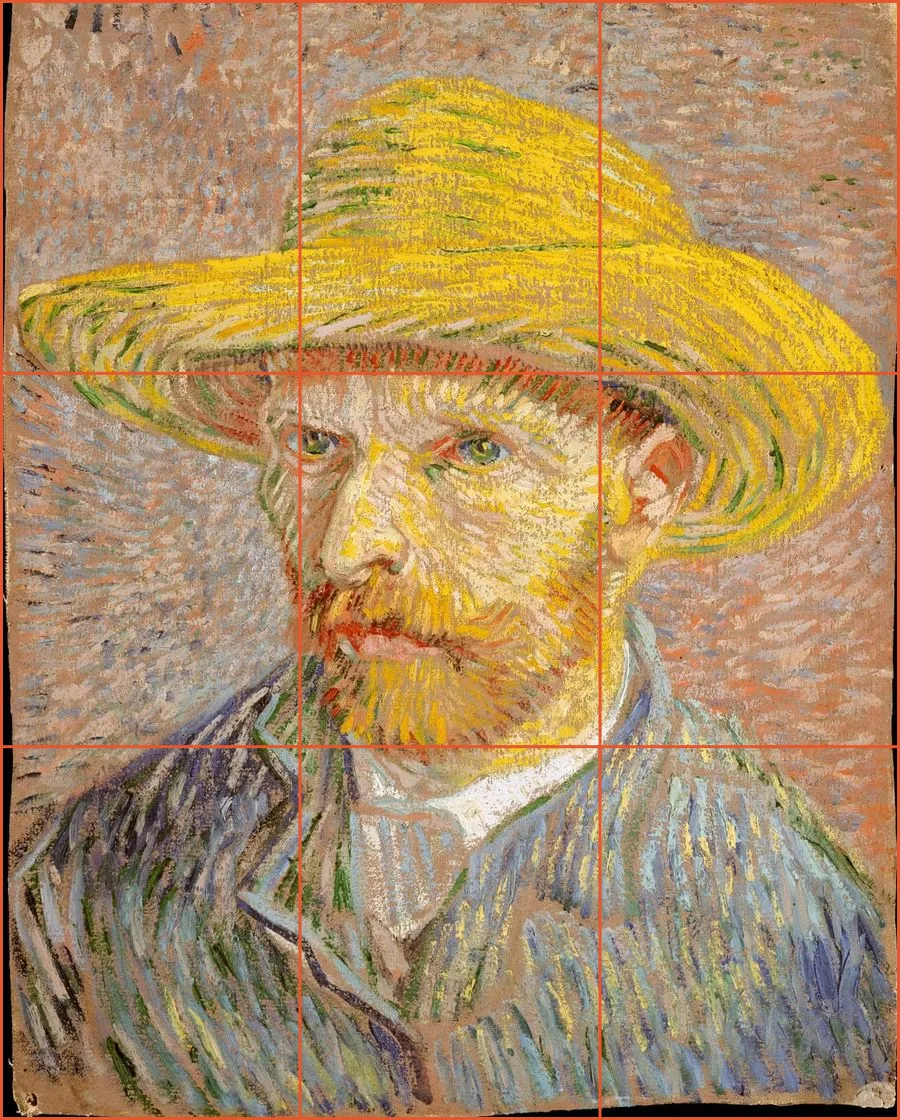
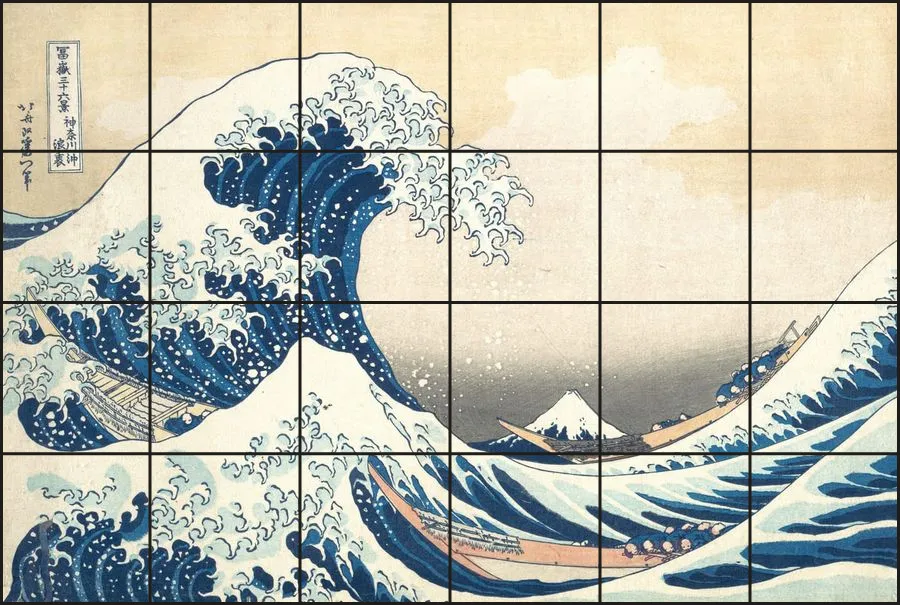
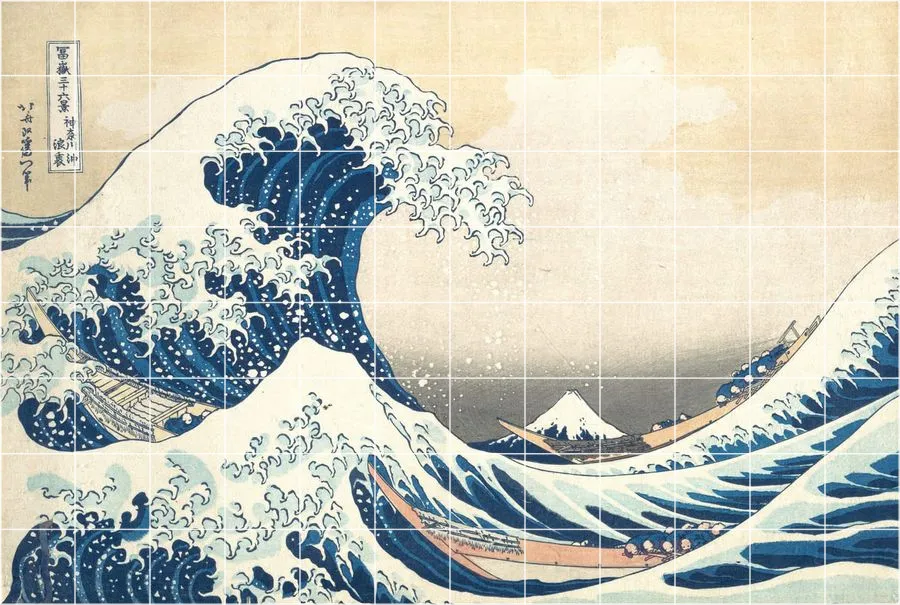
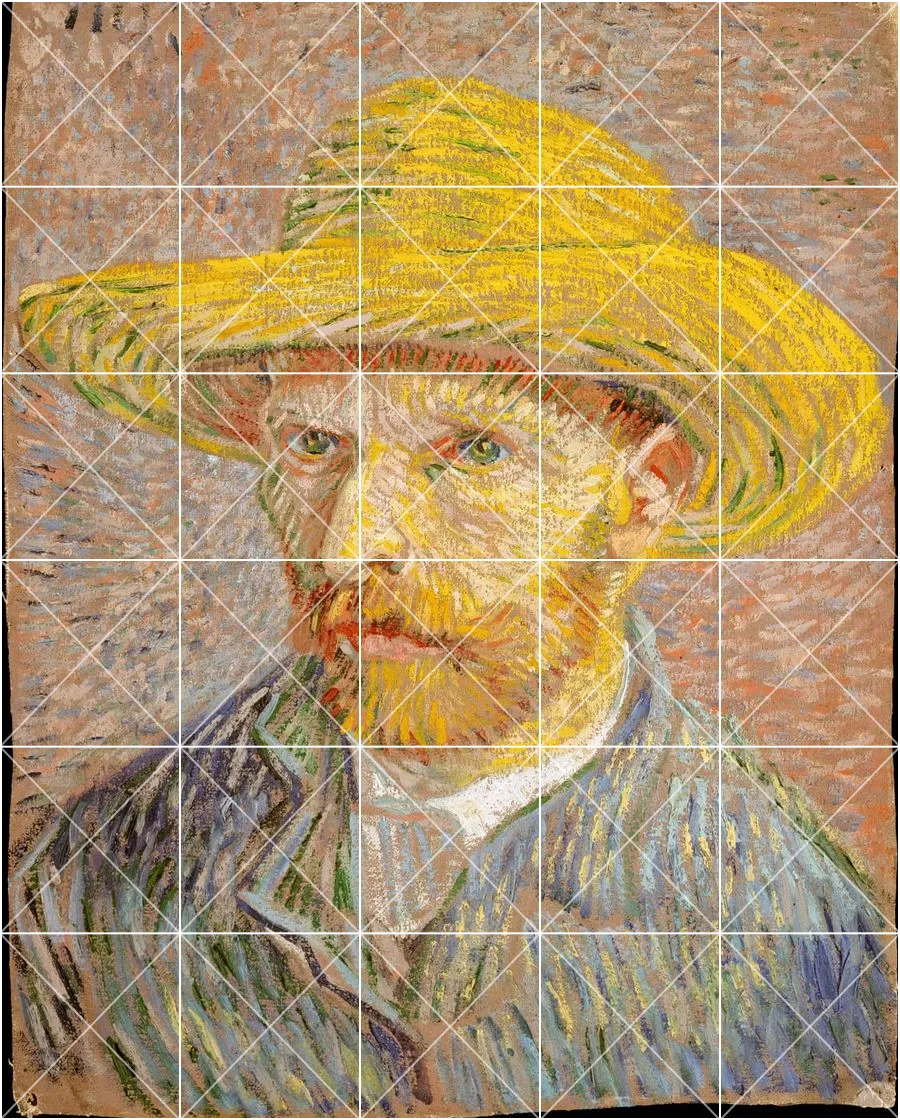
Four common ways to put a grid on a picture. Every example was made with this page.
How to add a grid to an image online
- Open your photo. Click Choose a photo, drag a file onto the box or paste a screenshot with Ctrl+V / Cmd+V. JPG, PNG, WebP and GIF all work.
- Pick the grid type. Rows × cols splits the image into an exact number of cells. Square keeps every cell square. Thirds and Golden draw composition guides.
- Style the lines. Choose a colour that contrasts with the photo, set thickness and opacity, and add diagonals, an outer border or cell numbers if you need them.
- Save the grid photo. Download a PNG for the sharpest lines, a JPG for a smaller file, or a PDF that fits Letter, A4, Legal or A3 paper for printing.
Which grid should you put on your photo?
| You want to | Grid type | Settings to try |
|---|---|---|
| Copy or enlarge a picture by hand | Rows × cols or Square | 6×6 to 10×10, labels on, see the grid drawing tool |
| Check photo composition | Thirds | Thin white lines, 60% opacity |
| Plan a tighter, classical layout | Golden | Red or yellow lines so they stand out |
| Split an image into an Instagram grid | Rows × cols | 3 columns, 1 to 3 rows |
| Measure or compare proportions | Square | Fine grid with diagonals |
| Make a cross-stitch or mosaic guide | Square | Try image to pixel art for colour charts |
Square grid vs rows and columns
A rows and columns grid divides the photo into an exact count of cells, so a 4×3 photo with a 4×4 grid gets rectangular cells. That is fine when your paper has the same proportions as your photo. When you copy a picture onto squared or graph paper, or when you want to measure distances, you want square cells instead. The Square option fixes the cell size from the width and repeats it down the image, so lines stay perfectly square regardless of the photo's aspect ratio.
Rule of thirds and golden ratio grids
Photographers and painters use composition grids to place the subject. The rule of thirds splits the frame into nine equal parts and suggests putting points of interest where the lines cross. The golden ratio, or phi grid, moves those lines closer to the centre (38.2% and 61.8% instead of 33.3% and 66.7%). Overlaying either grid on a photo you already took is a quick way to decide how to crop it, or to study why a painting you admire feels balanced.
Choosing a line colour
The best grid colour is the one you can see everywhere on the image. White works on dark photos and night scenes, black on bright skies and snow, red or yellow on images with mixed light and dark areas. If the grid hides fine detail, lower the opacity to 50 to 70 percent or reduce the thickness. Thin lines also export more cleanly in PNG than in JPG, because JPG compression can blur one pixel lines.
Private by design
Many online grid makers upload your picture to a server before drawing lines on it. This one does not. The image is decoded by your browser, the grid is drawn on a canvas on your device and the file you download is created locally. That makes it safe for client work, family photos and unpublished artwork, and it is quick even on a slow connection.
Frequently asked questions
How do I add a grid to a photo?
Can I add a square grid to an image?
How do I put a rule of thirds grid on a picture?
Will the grid image keep the original resolution?
Can I add a grid to a photo on iPhone or Android?
Is there a watermark?
What is the difference between this page and the grid drawing tool?
More free tools for artists
Grid Drawing Tool
Put a labeled grid over a reference photo, then copy it one cell at a time in step-by-step mode.
ClassroomGrid Drawing Worksheets
Turn one picture into printable grid drawing worksheets at three difficulty levels, plus mystery grid puzzles.
DownloadTransparent Grid PNG
Free transparent grid overlays in common sizes, or generate your own PNG and SVG grid.
PixelizeImage to Pixel Art
Convert a photo to pixel art with palettes and dithering, then export a bead or cross-stitch chart.
ScalePixel Art Upscaler
Enlarge sprites with crisp nearest-neighbour or Scale2x edges, without blur.